

The halo theme isn’t just another design trend—it’s a sophisticated visual approach that creates stunning, luminous effects across digital platforms. Whether you’re designing presentations, customizing browser interfaces, or creating wallpapers, the halo theme leverages light, glow, and radiant elements to capture attention and create memorable visual experiences. This comprehensive resource guide brings together the essential tools, platforms, and materials you need to master halo theme design and implementation across all your projects.
From specialized design software to ready-made templates, community forums to educational resources, we’ve curated everything you need to create professional-quality halo theme designs. You’ll discover powerful tools for generating luminous effects, find inspiration from leading designers, and learn the techniques that make halo theme projects stand out in today’s competitive digital landscape.
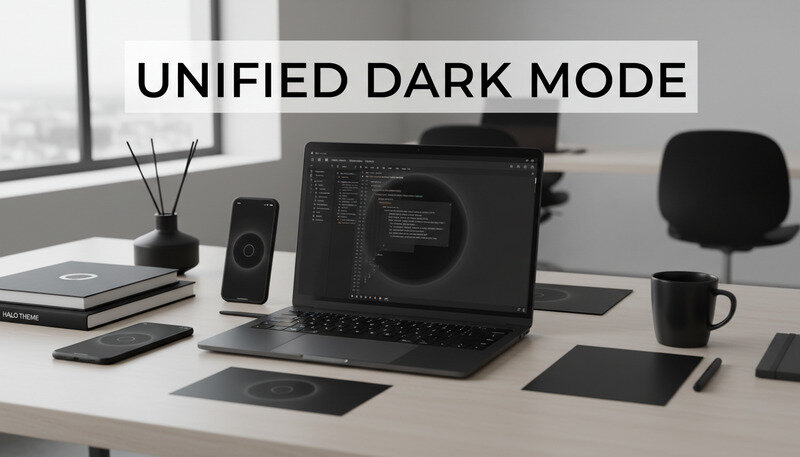
Essential Design Software for Halo Theme Creation
Creating compelling halo theme designs requires the right software tools that can handle advanced lighting effects, gradient manipulation, and luminous textures. Master Photoshop These professional-grade applications provide the foundation for developing stunning halo theme projects across various platforms.
Adobe Creative Suite
Adobe photoshop stands as the industry standard for halo theme design, offering unparalleled control over lighting effects and glow manipulation. The software’s layer blending modes, particularly Screen, Overlay, and Linear Dodge, are essential for creating authentic halo effects. Photoshop’s Gaussian Blur and Radial Blur filters allow designers to craft the soft, diffused lighting that defines quality halo theme work.
The Lens Flare filter, when used strategically, adds realistic light sources that enhance the overall luminous aesthetic. Advanced users leverage Photoshop’s custom brush creation tools to design unique halo elements that can be reused across projects. The software’s 3D capabilities enable designers to create dimensional halo effects that appear to float above background elements.
Adobe illustrator excels at creating vector-based halo elements that scale perfectly across different applications. Its gradient mesh tool allows for precise control over light distribution, while the Appearance panel enables complex layering of effects. Illustrator’s Symbol library feature helps designers build consistent halo element collections for brand applications.
Adobe after effects brings halo themes to life with animation capabilities. The software’s particle systems, particularly CC Particle World and Trapcode Particular, create dynamic, flowing halo effects perfect for video backgrounds and motion graphics. After Effects’ 3D lighting system allows designers to simulate realistic light sources that interact with halo elements naturally.
Pro Tip: Master Photoshop’s blend modes early in your halo theme journey. Screen mode brightens underlying layers, while Overlay creates rich, saturated glows that form the backbone of professional halo designs.
Specialized Lighting Software
Cinema 4D offers professional 3D lighting tools that create photorealistic halo effects. Its Global Illumination engine simulates how light bounces and interacts with surfaces, producing natural-looking luminous effects. The software’s volumetric lighting creates atmospheric halo effects that appear to have depth and substance.
Blender, as a free alternative, provides powerful lighting and rendering capabilities through its Cycles rendering engine. The software’s node-based material system allows for complex halo effect creation, while its particle systems generate dynamic, animated halo elements.
Mobile Design Applications
Procreate for iPad has revolutionized mobile halo theme design with its intuitive brush engine and layer blending capabilities. The app’s custom brush creation tools allow designers to craft unique halo brushes that produce consistent effects across projects. Procreate’s time-lapse recording feature helps designers document and share their halo theme creation process.
Adobe fresco combines vector and raster capabilities in a mobile-friendly interface, making it ideal for creating halo theme elements on the go. Its cloud synchronization ensures seamless workflow continuity between mobile and desktop environments.
Template Libraries and Asset Collections
Professional halo theme resources save countless hours while ensuring consistent, high-quality results. These curated collections provide everything from basic halo elements to complete theme packages.
Premium Template Platforms
Envato elements houses thousands of halo theme templates across multiple categories. Their halo theme collection includes PowerPoint templates, website headers, social media graphics, and video backgrounds. Each template comes with layered source files, allowing for extensive customization while maintaining the core halo aesthetic.
The platform’s subscription model provides unlimited downloads, making it cost-effective for agencies and freelancers working on multiple halo theme projects. Quality control ensures all templates meet professional standards, with regular updates adding fresh halo theme variations.
Creative market specializes in unique, designer-created halo theme assets. The platform’s curation process emphasizes originality, resulting in distinctive halo theme elements that help projects stand out. Many sellers offer bundle packages that include matching halo elements, backgrounds, and typography treatments.
Free Resource Libraries
Unsplash and Pexels provide high-quality halo theme photography and backgrounds at no cost. These platforms feature extensive collections of aurora, lens flare, and luminous texture images that serve as excellent starting points for halo theme designs.
Freepik offers vector-based halo theme elements that can be customized and scaled for any application. Their collection includes geometric halo patterns, abstract light effects, and decorative halo elements suitable for both digital and print applications.
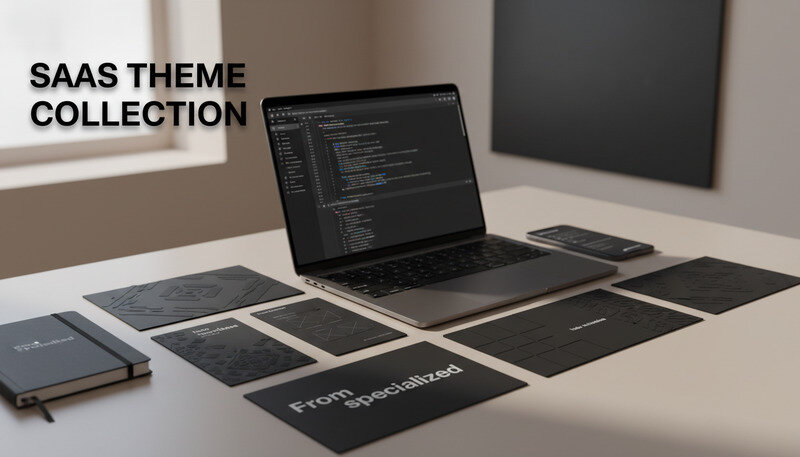
Comparison of Template Platforms
| Platform | Content Type | Pricing Model | Best For |
|---|---|---|---|
| Envato Elements | Mixed media templates | Subscription | High-volume users |
| Creative Market | Designer-created assets | Per-item purchase | Unique, premium designs |
| Freepik | Vector graphics | Freemium | Budget-conscious projects |
| Adobe Stock | Professional photography | Credit-based | Corporate applications |
Key Takeaway: Invest in premium template libraries if you’re working on multiple halo theme projects monthly. The time savings and quality consistency justify the subscription costs for professional designers.
Browser Customization Resources
The halo theme extends beyond traditional design applications into browser customization, where chrome background and chrome wallpaper applications create immersive digital environments. These resources help users transform their browsing experience with luminous, engaging halo theme elements.
Chrome Extension Libraries
Chrome web store features numerous halo theme extensions that automatically apply luminous backgrounds and interface modifications. Extensions like “Halo Glow Theme” and “Luminous Browser” provide one-click halo theme installation with customizable intensity settings.
Advanced users can access developer tools to create custom chrome background implementations using CSS and JavaScript. The Chrome Extension documentation provides comprehensive guides for building personalized halo theme experiences that integrate seamlessly with existing browser functionality.
Wallpaper Management Tools
Wallpaper engine on Steam offers dynamic halo theme wallpapers that respond to system activity and user interaction. The platform’s workshop contains thousands of animated halo backgrounds, from subtle aurora effects to dramatic light shows that transform desktop environments.
Rainmeter provides system monitoring capabilities wrapped in customizable halo theme interfaces. Users can create desktop widgets that display system information through luminous, halo-inspired visual elements that maintain functionality while enhancing aesthetics.
Windows 7 Wallpaper Collections
Despite newer operating systems, windows 7 wallpaper collections remain popular for their classic halo theme interpretations. These collections often feature the iconic Windows aurora backgrounds that defined an era of computing aesthetics.
DeviantArt hosts extensive windows 7 wallpaper galleries where artists share custom halo theme interpretations. The platform’s community-driven approach ensures continuous updates and fresh perspectives on classic halo theme designs.
WallpaperSafari curates high-resolution windows 7 wallpaper collections specifically focused on halo and luminous themes. Their organized categories make it easy to find specific halo theme variations that match particular aesthetic preferences.
Educational Resources and Learning Platforms
Mastering halo theme design requires understanding both technical execution and aesthetic principles. These educational resources provide structured learning paths from beginner concepts to advanced professional techniques.
Online Course Platforms
Udemy offers comprehensive halo theme design courses that cover everything from basic lighting principles to advanced effect creation. Courses like “Master Luminous Design Effects” and “Professional Halo Theme Creation” provide step-by-step instruction with downloadable project files.
The platform’s lifetime access model allows students to revisit course materials as software updates introduce new capabilities. User reviews and ratings help identify the highest-quality halo theme courses taught by industry professionals.
Skillshare focuses on creative, project-based learning that’s perfect for halo theme skill development. Their courses emphasize hands-on creation, with instructors guiding students through complete halo theme projects from concept to completion.
LinkedIn Learning provides business-focused halo theme training that covers practical applications in corporate environments. Courses address brand consistency, client presentation techniques, and professional workflow optimization for halo theme projects.
YouTube Educational Channels
Photoshop training channel offers free, high-quality tutorials specifically covering halo effect creation and luminous design techniques. Their step-by-step approach makes complex concepts accessible to designers at all skill levels.
Peter McKinnon and similar photography channels provide insights into capturing and creating natural halo effects through photography and post-processing techniques. These skills translate directly to digital halo theme design work.
Design Theory Resources
Adobe design principles documentation explains the psychological and aesthetic foundations of effective halo theme design. Understanding color theory, contrast principles, and visual hierarchy ensures halo theme elements enhance rather than overwhelm design compositions.
Smashing magazine regularly publishes in-depth articles about lighting effects and luminous design trends. Their technical articles help designers stay current with evolving halo theme techniques and industry standards.
Expert Tip: Start with fundamental lighting theory before diving into software-specific techniques. Understanding how light behaves in the real world will inform better digital halo theme decisions regardless of which tools you’re using.
Community Forums and Support Networks
The halo theme design community provides invaluable support, feedback, and inspiration for designers at every level. These platforms facilitate knowledge sharing and collaborative problem-solving that accelerates skill development.
Professional Design Communities
Behance serves as the premier platform for showcasing halo theme portfolio work and discovering trending techniques. The platform’s project presentation format allows designers to document their complete halo theme process, from initial concepts through final execution.
Regular halo theme challenges and featured collections help designers gain exposure while pushing creative boundaries. Behance’s commenting system facilitates constructive feedback from industry peers and potential clients.
Dribbble focuses on design inspiration and work-in-progress sharing. The platform’s shot format is perfect for highlighting specific halo theme techniques and gathering quick feedback on design directions. Many leading agencies scout talent through Dribbble, making it valuable for career development.
Technical Support Forums
Adobe community forums provide official support for Creative Suite applications used in halo theme design. Adobe’s expert contributors offer solutions to technical challenges and share advanced techniques that aren’t covered in standard documentation.
Reddit’s Design Communities (r/graphic_design, r/photoshop, r/AfterEffects) offer informal but knowledgeable support for halo theme questions. The upvoting system ensures the best answers rise to the top, while the community’s diversity provides multiple perspectives on design challenges.
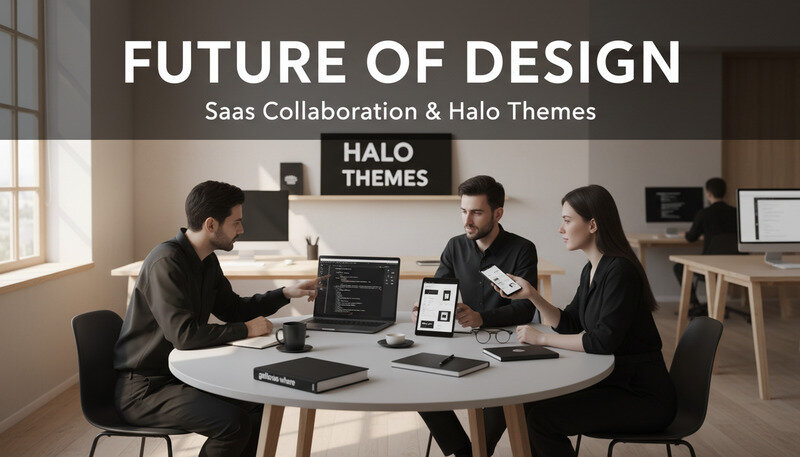
Specialized Halo Theme Groups
Facebook groups dedicated to lighting effects and luminous design provide focused discussion spaces for halo theme enthusiasts. Groups like “Digital Lighting Artists” and “Glow Effect Designers” share techniques, resources, and job opportunities.
Discord servers offer real-time collaboration opportunities for halo theme projects. Many servers host regular design challenges and provide immediate feedback on work-in-progress halo theme designs.
Google Slides Background Resources
Presentation design represents a major application area for halo theme elements, with google slides background customization being particularly popular for corporate and educational presentations. These resources help create engaging, professional presentations that leverage halo theme aesthetics.
Template Marketplaces
SlidesCarnival offers free google slides background templates with subtle halo theme elements that maintain professionalism while adding visual interest. Their templates include coordinated color schemes and typography that complement luminous background effects.
SlidesGo provides premium google slides background collections with more elaborate halo theme implementations. Their subscription service includes regular updates and access to exclusive halo theme variations designed specifically for business presentations.
Custom Background Creation Tools
Universal Studios App and Entertainment Resources
The entertainment industry, including applications like the universal studios app, increasingly incorporates halo theme elements to create immersive, magical experiences. These resources help designers understand and implement halo themes in interactive and entertainment contexts.
Interactive Design Platforms
Figma excels at creating interactive halo theme prototypes for mobile applications and web interfaces. The platform’s component system allows designers to build reusable halo theme elements that maintain consistency across complex interactive projects.
Adobe XD provides comprehensive tools for designing halo theme user interfaces with smooth animations and transitions. The software’s voice prototyping features help designers test how halo theme elements perform in real-world usage scenarios.
Entertainment Industry Resources
Theme park design blogs and industry publications share insights into how major entertainment companies like Universal Studios implement halo theme elements in physical and digital experiences. These resources provide valuable context for understanding halo theme applications beyond traditional graphic design.
Game design forums discuss halo theme implementation in interactive entertainment, covering technical considerations like performance optimization and user experience design. These insights apply broadly to any interactive halo theme project.
Mobile App Design Tools
Sketch remains popular for iOS-focused halo theme design, with extensive plugin ecosystems that extend halo effect capabilities. The software’s symbol system helps maintain consistency across complex app design projects.
InVision Studio combines design and prototyping capabilities, making it ideal for testing halo theme user interface concepts before development. The platform’s collaboration features facilitate team feedback on halo theme design decisions.
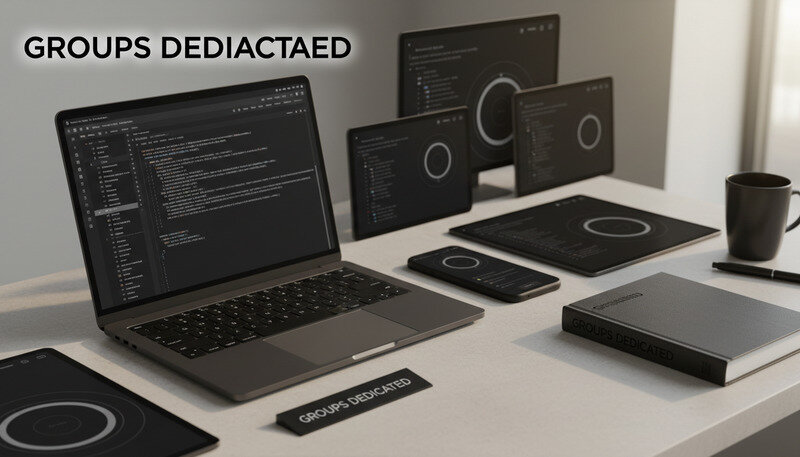
Industry-Specific Application Resources
Different industries require tailored approaches to halo theme implementation, with specific tools and resources addressing unique professional needs. These specialized resources ensure halo theme designs meet industry standards while maintaining creative excellence.
Corporate Branding Tools
Brand guidelines templates help maintain consistency when implementing halo theme elements across corporate identity systems. These templates address color specifications, usage guidelines, and application standards for professional halo theme implementations.
Logo design software like Illustrator and CorelDRAW provides the precision needed for incorporating halo theme elements into brand marks and corporate symbols. Vector-based approaches ensure halo elements scale properly across all brand applications.
Web Design Resources
CSS Animation Libraries like Animate.css and Lottie enable web developers to implement halo theme effects that perform well across different browsers and devices. These libraries provide optimized code for common halo theme animations.
WebGL Frameworks such as Three.js enable advanced 3D halo effects in web browsers, creating immersive experiences that rival native applications. These tools require programming knowledge but offer unlimited creative possibilities for halo theme web implementations.
Print Design Considerations
Color management systems become crucial when translating digital halo theme designs to print applications. Understanding CMYK limitations and working with specialty printing techniques like metallic inks ensures halo theme designs translate effectively to physical media.
Prepress software like PitStop Pro helps optimize halo theme designs for professional printing, addressing transparency flattening and color separation challenges that can affect luminous design elements.
Key Insight: Each industry brings unique technical constraints and aesthetic expectations to halo theme implementation. Success requires understanding these specific requirements while maintaining the core visual principles that define effective halo theme design.
Frequently Asked Questions About Halo Theme Resources
What’s the best free software for creating halo theme designs?
GIMP (GNU Image Manipulation Program) offers the most comprehensive free alternative to Photoshop for halo theme creation. While the interface differs from Adobe products, GIMP includes all essential tools for creating professional halo effects: layer blending modes, custom brushes, gradient tools, and advanced filters. The software’s Filters menu includes light effects, lens flares, and glow filters that form the foundation of halo theme design.
Blender provides exceptional value for 3D halo theme creation, offering professional-grade lighting and rendering capabilities at no cost. Its node-based material system allows for complex luminous effect creation, while the Cycles rendering engine produces photorealistic results that rival expensive commercial software.
For vector-based halo theme work, Inkscape delivers powerful gradient tools and path effects that enable sophisticated luminous design creation. While it lacks some advanced features found in Illustrator, Inkscape handles most halo theme design requirements effectively.
How do I ensure halo theme designs work across different devices and platforms?
Cross-platform compatibility requires careful attention to file formats, color spaces, and resolution considerations. Always work in RGB color space for digital applications, saving final files in widely-supported formats like PNG for static images and MP4 for animated content. Test designs on multiple devices to ensure halo effects display consistently across different screen technologies and brightness settings.
For web applications, use CSS media queries to adjust halo effect intensity based on device capabilities and user preferences. Consider implementing reduced motion options for users with vestibular sensitivities, and provide fallback designs for older browsers that may not support advanced halo effects.
Vector-based halo elements scale more reliably across different screen sizes and resolutions. When possible, create halo theme components as scalable vector graphics (SVG) rather than raster images to ensure crisp display on high-resolution screens.
What are the most common mistakes when implementing halo theme designs?
Overuse of glow effects represents the most frequent halo theme mistake, resulting in designs that appear amateurish and difficult to read. Professional halo theme design requires restraint, using luminous effects strategically to guide attention rather than overwhelming viewers with excessive glowing elements.
Poor contrast management often undermines halo theme effectiveness, particularly when luminous backgrounds interfere with text readability. Always test designs with actual content to ensure information remains accessible while maintaining the desired aesthetic impact.
Inconsistent lighting direction creates visual confusion in halo theme designs. Establish a clear light source direction early in the design process and maintain this consistency across all halo elements to create cohesive, believable luminous effects.
How do I optimize halo theme designs for performance in web and mobile applications?
Performance optimization starts with efficient asset creation. Use appropriate file formats for different content types: SVG for simple halo shapes, optimized PNG files for complex luminous textures, and CSS animations for simple glow effects rather than video files when possible.
Implement lazy loading for halo theme assets that aren’t immediately visible, reducing initial page load times. Consider using CSS transforms and opacity changes for halo animations rather than position-based animations, as these properties are hardware-accelerated on most devices.
For mobile applications, provide multiple asset versions optimized for different screen densities and device capabilities. Use progressive enhancement techniques that deliver basic functionality to all users while enhancing the experience with advanced halo effects on capable devices.
What color combinations work best for professional halo theme designs?
Cool color palettes (blues, purples, teals) typically create the most effective professional halo themes, as they suggest technology, innovation, and reliability while maintaining readability across different background colors. These colors also compress well in digital formats and display consistently across various screen technologies.
High contrast combinations ensure accessibility while maintaining halo theme aesthetics. Pair light luminous elements with dark backgrounds, or use dark halo effects against light backgrounds to ensure sufficient contrast for users with visual impairments.
Consider brand color integration carefully, as not all corporate colors translate effectively to halo theme applications. When working with challenging brand colors like bright reds or yellows, use them as accent elements rather than primary halo colors to maintain professional appearance and readability.
How do I create consistent halo theme elements across a large project?
Develop a comprehensive style guide that documents halo effect specifications including glow radius, opacity values, color codes, and animation timing. This documentation ensures consistency when multiple designers work on the same project or when designs are implemented by developers.
Create a master library of halo theme components using your design software’s symbol or component systems. This approach allows for global updates when design decisions change and ensures all team members use identical halo elements throughout the project.
Establish naming conventions for halo theme assets and maintain organized file structures that make it easy to locate and reuse elements. Use version control systems for design files when working in team environments to prevent inconsistencies from conflicting updates.
The Bottom Line
Mastering halo theme design requires the right combination of professional tools, quality resources, and continuous learning. From Adobe Creative Suite for advanced effect creation to specialized communities for inspiration and support, these resources provide everything needed to create stunning, professional-quality halo theme projects. Success comes from understanding both the technical execution and aesthetic principles that make halo themes effective across different applications and industries. Explore premium halo theme templates at Dope Theme to jumpstart your next luminous design project. Ready to get started? Visit Dope Theme to learn more.